About Chart Studio
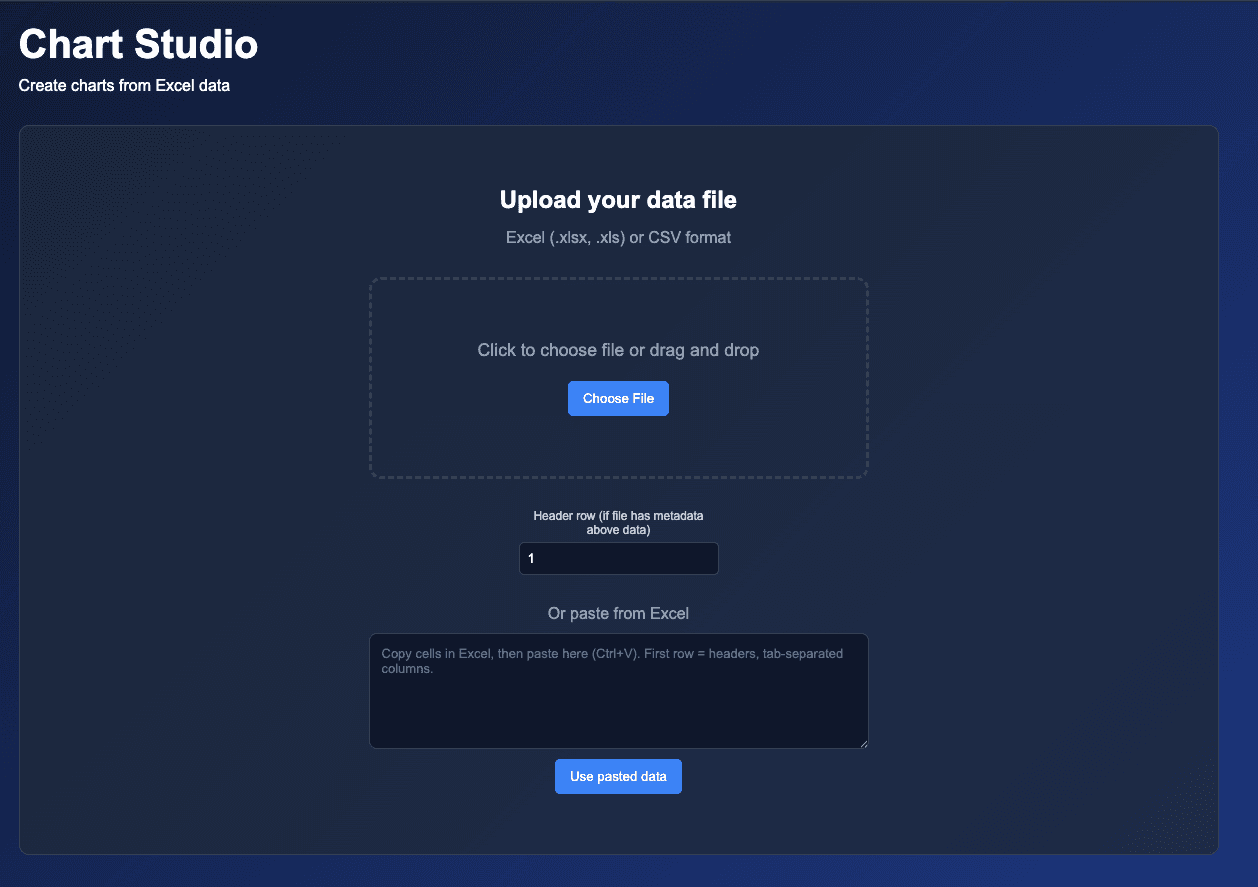
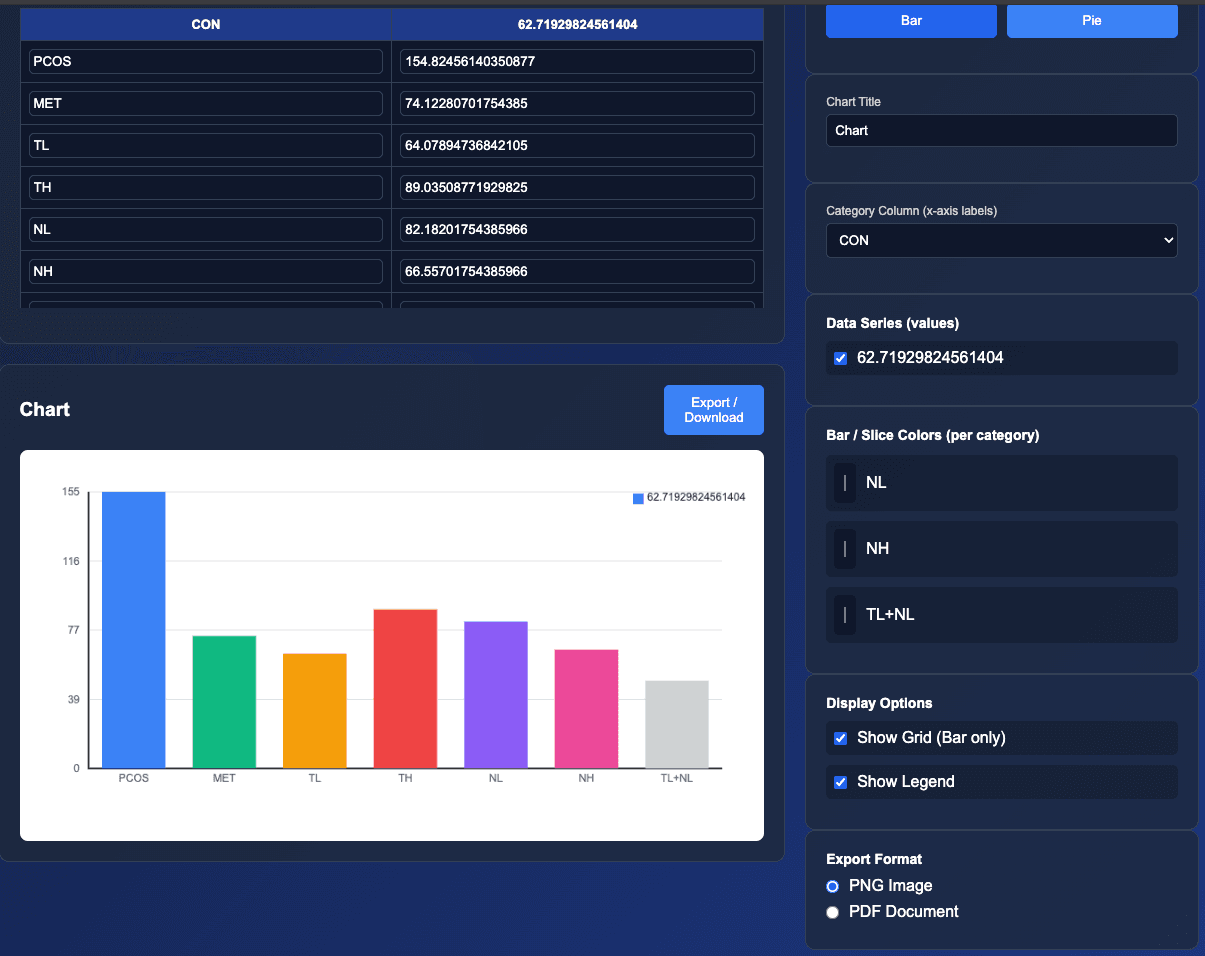
Chart Studio is a web app that lets you create bar and pie charts from your data in minutes. Upload Excel (.xlsx, .xls) or CSV files, or paste values directly from a spreadsheet. Edit cells in the data preview and see your chart update in real time. Customize the chart title, axis labels, colors, legend, and grid, then export as PNG or PDF.
Open Live DemoScreenshots
Features
- •Upload Excel (.xlsx, .xls) or CSV files, or paste from Excel
- •Data preview with editable cells—chart updates as you edit
- •Bar and pie chart types with customizable colors per category
- •Chart title, category column (x-axis), and data series selection
- •Display options: grid (bar), legend, export as PNG or PDF