
Forge
A minimal Android launcher, built as a fork of Slim Launcher, with on-device icon packs so app icons can follow the wallpaper — or a style you generate on the phone.
About Forge
Forge starts from Slim Launcher (MIT), the “all you need is less” Android home screen, and keeps that restraint. It is a separate app (com.pradhul.forge) and does not reuse Slim’s name or logo.
The addition is icon packs, generated on the device by default with a bundled Magenta style-transfer model and a few presets. You can also feed it a photo, or optionally a paid Google AI Studio key for Gemini packs. Swipe up for a real app drawer, long-press for icon packs and settings, and theme icons from the wallpaper. A widgets page can hold home-screen widgets such as weather, gold price, and NIFTY 50. The work lives on a development branch; there is no public APK release yet.
Screenshots
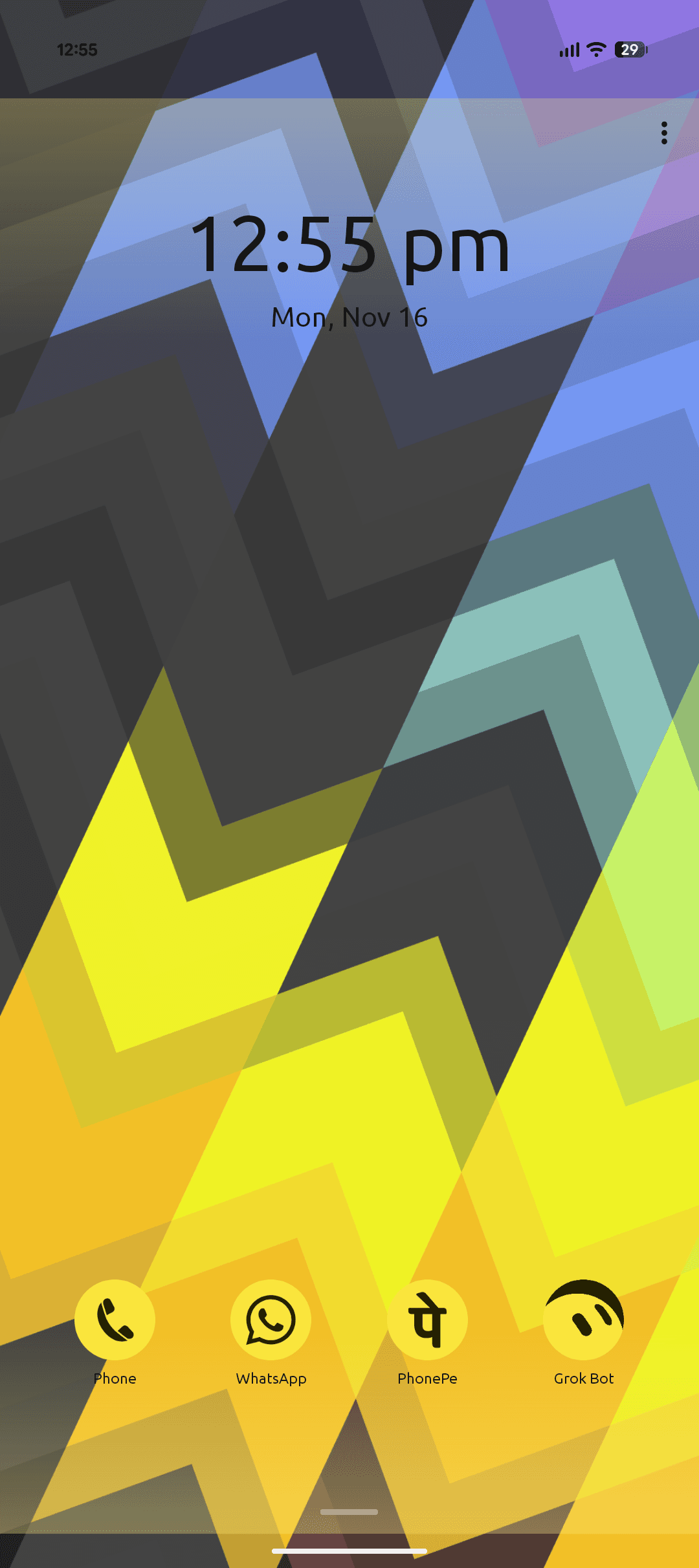
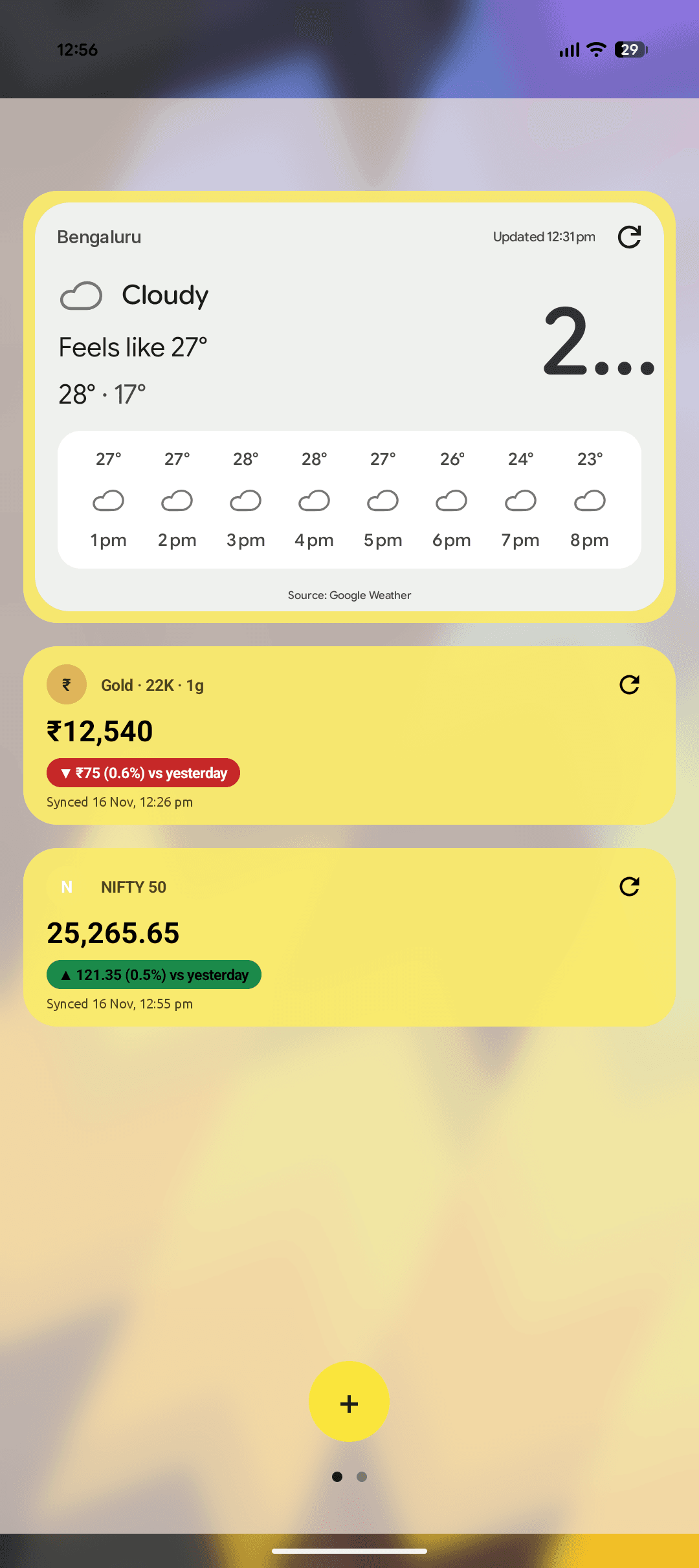
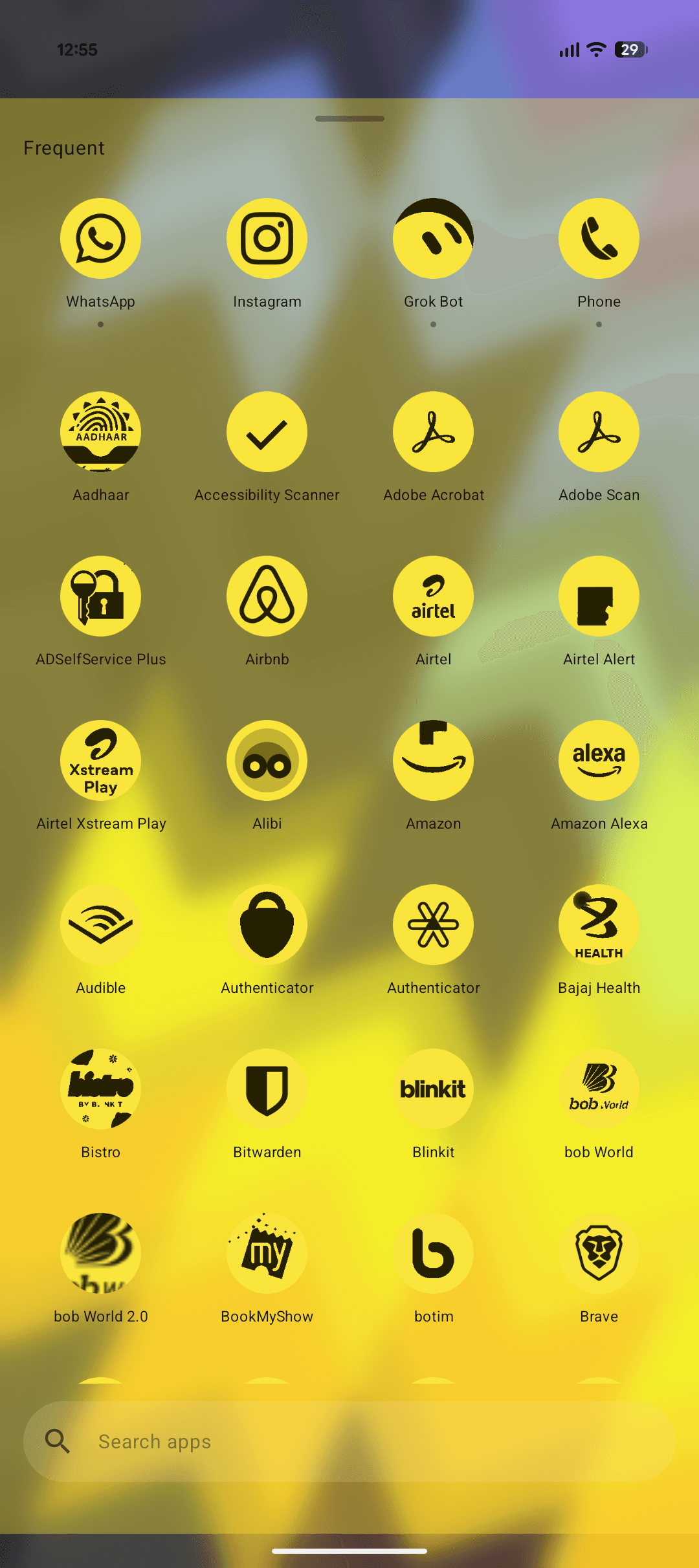
Screens from the launcher, with a yellow themed icon pack applied.
Features
- A short home screen and a real All apps drawer, with search and a pin-able dock
- On-device icon stylisation with a bundled neural model, plus optional Gemini packs if you have a paid key
- A widgets page for home-screen widgets such as weather, gold price, and NIFTY 50