
Sundry
A native macOS packing-list app. You enter a destination and month; it builds a season-aware checklist on-device with Apple Intelligence, then lets you tick items off as you pack.
Install
- Needs macOS 26 or later, Apple Silicon, and Apple Intelligence turned on (System Settings → Apple Intelligence & Siri).
- The build is ad-hoc signed and not notarized. After you drag Sundry to Applications, right-click the app and choose Open the first time.
- If macOS still says the app is damaged, run this in Terminal, then open it again:
xattr -dr com.apple.quarantine /Applications/Sundry.app
About Sundry
Sundry is a native Mac app for packing. Create a trip with a place, a month, nights, purposes, and who is coming. It looks up typical climate for that month, then builds the checklist on-device, one category at a time, using Apple Intelligence. There are no API keys to paste.
Each trip has its own travellers, and personal items scale with the group while shared items stay on one line. You can share a trip with another Sundry user over AirDrop. The app is ad-hoc signed and not notarized, so the first launch needs a right-click → Open.
Screenshots
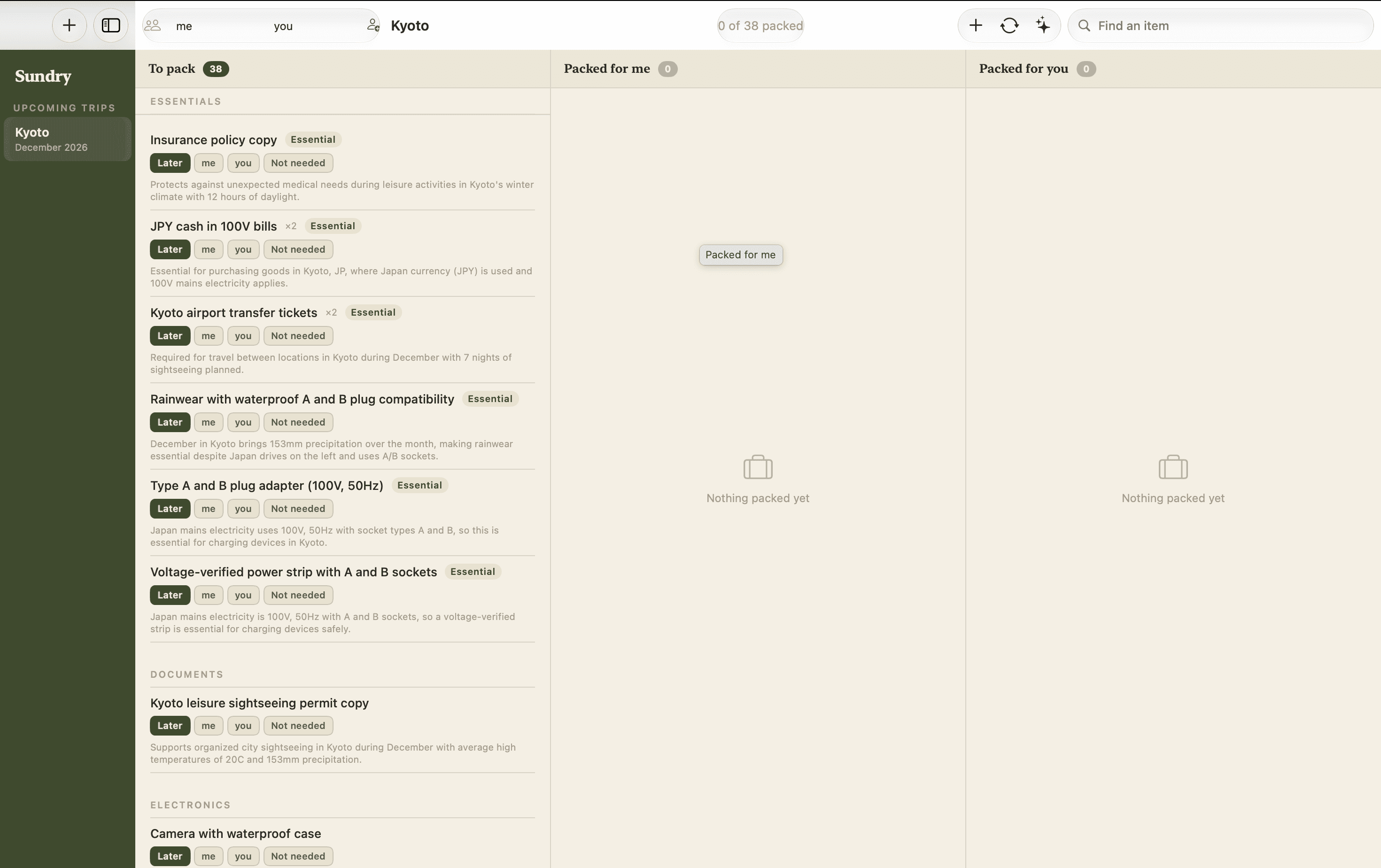
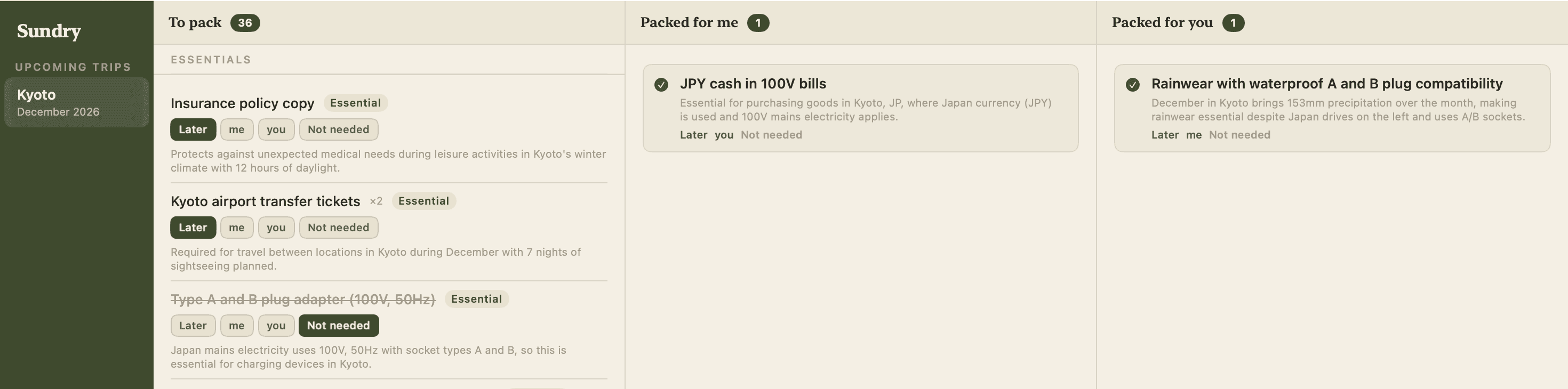
Screens from a sample Kyoto trip, with travellers named me and you.
Features
- Season-aware lists generated on-device — no API keys, and nothing leaves the Mac except a one-time climate lookup
- Per-trip travellers, quantities that scale with the group, and AirDrop sharing between Macs
- Requires macOS 26 or later, Apple Silicon, and Apple Intelligence turned on